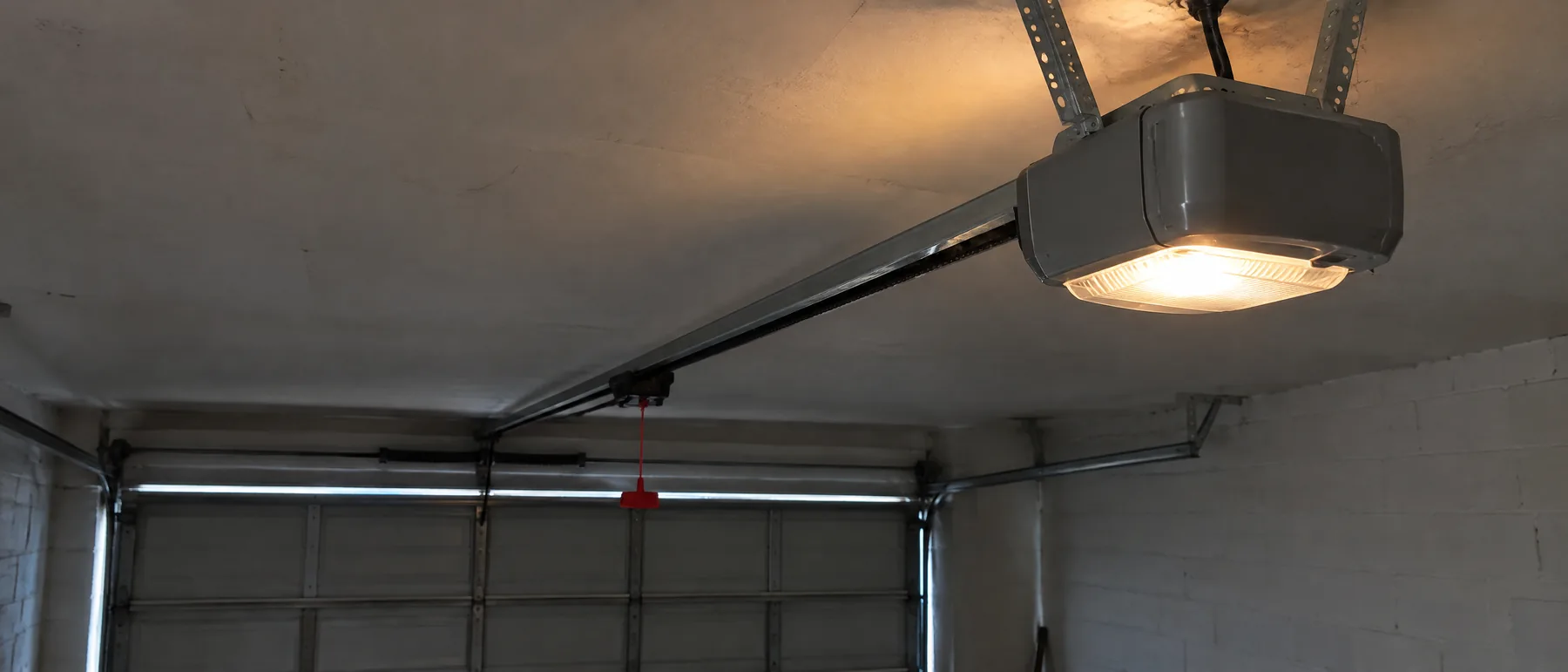
A garage door opener light blinking is the opener telling you something has stopped it from working normally. On many openers the most common cause is the safety sensors, the two small eyes near the bottom of the door track. If they are blocked, dirty or out of line, the opener won't close the door and flashes its light instead.
Other causes include something in the door's path, a lock setting on the wall control, a wiring fault or a problem inside the opener. Flash patterns are not universal. Each brand, and sometimes each model, uses its own patterns, so the opener's manual or the brand's own support guide is the authority on what your flashes mean.
What a blinking garage door opener light is telling you
Before changing anything, watch the opener for a minute and note what it does.
- Which light is flashing? Many openers have the main light, plus a small status light on the motor unit, the wall button or the sensors. They can mean different things.
- When does it flash? Only when you try to close the door, all the time, or right after the power came back on.
- How many times? Some openers flash a set number of times, pause and repeat. That count is a code.
- What does the door do? It may not move at all, start down and reverse, or open normally but refuse to close.
Write the pattern down, then find the model number. It is usually on a label on the motor unit, often under the light cover or on a side panel. With that number, the manual or the maker's support pages will tell you exactly what your pattern means. This guide doesn't list codes, because a pattern that means one thing on one brand can mean something else on another.
Blocked or misaligned safety sensors
The sensors sit a few inches above the floor on each side of the door. One sends an invisible beam across the opening and the other receives it. If the beam is broken, the opener won't close the door, and on many models the light flashes to say so.
Check them in this order:
- Clear anything near the beam's path, such as a bin, a box, a broom or leaves caught in a bracket.
- Clean the lens on each sensor gently with a soft cloth. Dust, cobwebs and condensation can all block the beam.
- Look at the small indicator lights. On many systems each sensor's light glows steadily when the pair is lined up. A light that is off or flickering often means they are out of line or a wire has a problem.
- If a sensor has been knocked, turn it gently by hand until both lights are steady, then tighten its bracket.
- Follow the thin wires from each sensor up to the opener and look for staples through them, chewed spots or loose connections.
Low sun shining straight into the receiving sensor can also confuse it at certain times of day. The beam and its wiring are explained further in how garage door sensors work. When the sensors themselves have failed, see garage door sensor repair.
Have the opener checked
If the sensors are clean and lined up and the light still flashes, the fault is likely in the opener, its wiring or its settings.
Opener repairOther reasons an opener light flashes
- Something in the door's path. If the door touches an object on the way down, a working opener reverses, and many flash the light afterward.
- A door that is hard to move. A broken spring, a snapped cable or a door binding in its track makes the opener strain. Many openers sense the extra force, stop and flash. Don't keep pressing the button if the door looks crooked or heavy.
- A lock setting. Many wall controls have a lock or vacation button that blocks the remotes. On some models a light on the wall control blinks while it is turned on.
- Wall control or wiring faults. A damaged wire between the wall button and the opener can stop the opener working properly.
- Travel or force settings. If the opener's limits have drifted, it may think the door has hit something near the floor, reverse and flash.
- An internal fault. A failed logic board, motor or other part inside the unit can show up as a flash code.
What to try before you call
These checks are safe for most homeowners:
- Clean and line up the sensors as described above.
- Make sure the lock or vacation setting on the wall control is off.
- Look at the door with the opener stopped. If a spring shows a gap, a cable hangs loose or a roller has left the track, stop here and leave the door alone.
- If the opener plugs into a ceiling outlet, unplug it for about a minute, plug it back in and try again. A brief power reset clears some faults.
- Run a full cycle and watch whether the door closes and reverses properly. The guide to testing the auto-reverse shows how to check the safety reverse.
If the light keeps flashing after that, or the code in your manual points to the motor, the board or the wiring, the opener needs a closer look.
When the opener has failed
A flash code tied to the logic board, the motor or the travel system is past the point of home checks. The same goes for an opener that hums without moving, runs while the door stays still with the trolley connected, or keeps reversing with the sensors clean and lined up.
Before you call, write down the brand, the model number and the flash pattern. That makes it much quicker to tell whether the problem is a part that can be repaired or an opener at the end of its working life.